
How to Connect Wireless Headphones
author: David
2025-03-05
In today's digital age, Wireless headphones have become an essential accessory for many people. They offer the freedom to move around without the hassle of tangled wires. Dongguan Yongfang Electronics Technology Co., LTD has been making significant contributions in the production of high - quality wireless headphones and related audio devices. If you've just purchased a pair of wireless headphones and are unsure how to connect them, this guide is for you.
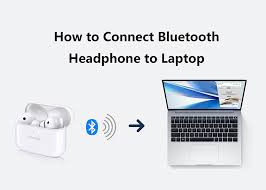
Check the Compatibility
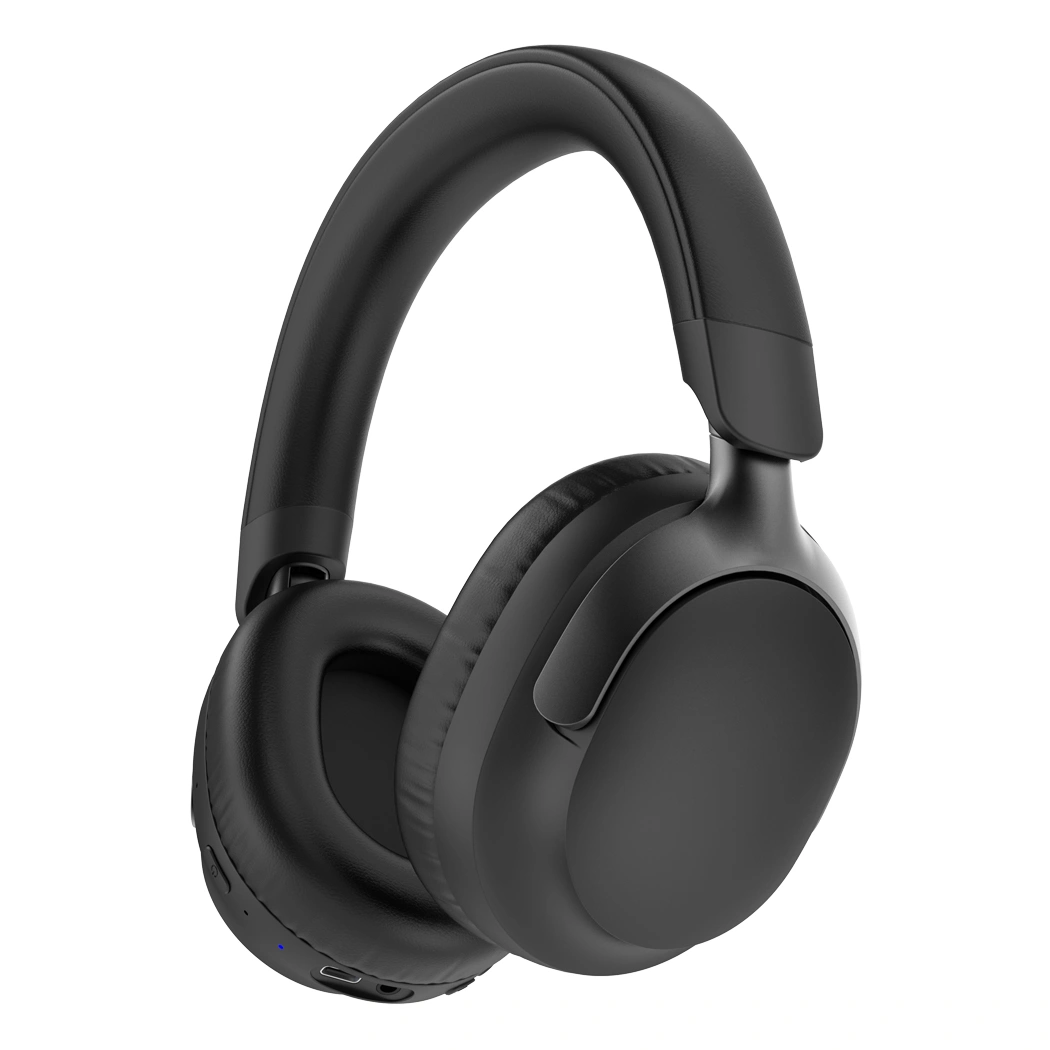
Before attempting to connect your Wireless headphones, it's crucial to check their compatibility with your device. Most modern smartphones, tablets, and laptops support Bluetooth, which is the most common technology used in wireless headphones. Dongguan Yongfang Electronics Technology Co., LTD designs their wireless headphones to be compatible with a wide range of devices. However, it's still a good idea to verify. For example, if you have an older device, it might not support the latest Bluetooth version. In such cases, you may need to use a Bluetooth adapter.
Power on the Wireless Headphones
Locate the power button on your Wireless headphones. On most models from Dongguan Yongfang Electronics Technology Co., LTD, this button is clearly marked. Press and hold the power button for a few seconds until you see a light indicator turn on. This indicates that the headphones are powered on and ready to be paired.
Enable Bluetooth on Your Device

Go to the settings on your device (smartphone, tablet, or laptop). Look for the Bluetooth option and turn it on. Your device will start scanning for available Bluetooth devices. Dongguan Yongfang Electronics Technology Co., LTD's wireless headphones will appear in the list of available devices with a specific name, usually related to the model of the headphones.
Pair Your Wireless Headphones
Once your device has detected your Wireless headphones in the Bluetooth device list, select the headphone name. You may be prompted to enter a passcode. After entering the correct passcode (if required), your device will pair with the headphones. You should see a confirmation message on your device indicating that the pairing was successful.
Test Your Connection

After pairing, play some music or a video on your device. You should hear the audio coming through your Wireless headphones. If you encounter any issues, make sure that the volume on both your device and the headphones is turned up. Also, check if there are any software updates available for your device or the headphones, as these can sometimes fix connection problems. Dongguan Yongfang Electronics Technology Co., LTD often releases firmware updates to improve the performance of their wireless headphones.
By following these steps, you should be able to connect your Wireless headphones from Dongguan Yongfang Electronics Technology Co., LTD with ease and enjoy a seamless audio experience.
What are the Best Wireless Earbud Headphones?
Related Article

Learn DIY headphone troubleshooting for crackling sound, mono audio & Bluetooth issues. It covers repair limits and introduces Dongguan Yongfang Electronics, professional OEM/ODM headphone maker, plus simple maintenance tips.
How to Fix Headphones
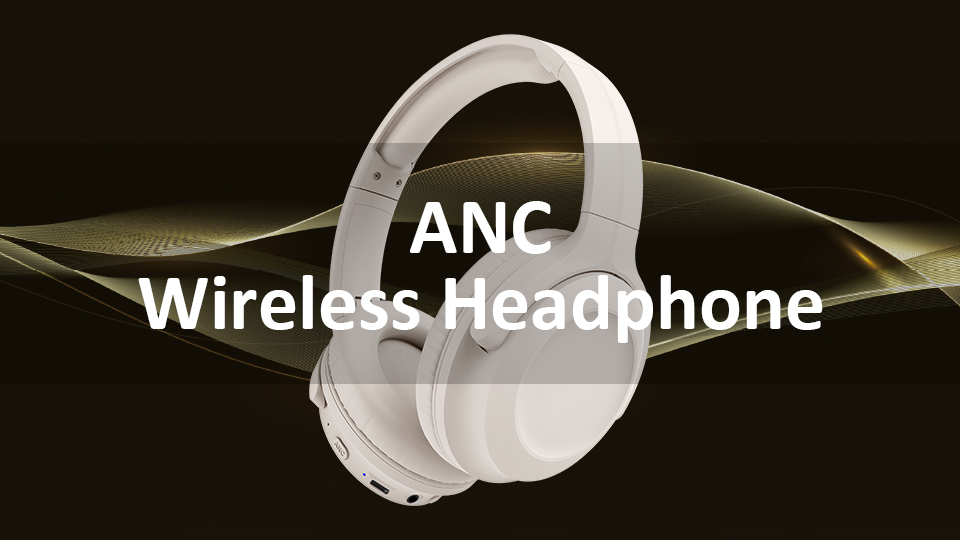
ANC stands for Active Noise Cancellation. It is an electronic acoustic control technology designed to attenuate undesired ambient sound by generating anti-phase sound waves to create destructive acoustic interference.
What Does ANC Mean on Headphones

