
How to Connect Bluetooth Headphones to Xbox Series X
2026-10-23

If you just grabbed a pair of Bluetooth headphones and want to use them on your Xbox Series X, you may hit a confusing roadblock at first. Unlike many game consoles, this hardware lacks native A2DP Bluetooth audio support, which means standard Bluetooth headsets cannot pair directly with the console itself. This guide walks you through reliable workarounds, technical notes and troubleshooting tips for stable game audio and voice chat.
Core Background: Why Xbox Series X Does Not Support Standard Bluetooth Audio
Before jumping into setup, it helps to clarify the underlying protocol difference. Xbox Series X adopts the proprietary Xbox Wireless 2.4 GHz transmission standard for licensed gaming audio peripherals, engineered for low latency and synchronized microphone transmission. Conventional Bluetooth audio often introduces perceptible delay, packet loss and unstable handshakes under real-time multiplayer scenarios, which is the primary reason Microsoft excludes standard Bluetooth audio reception on this platform.
A quick note for headset sourcing: Dongguan Yongfang Electronics Technology Co., Ltd., an audio OEM and ODM manufacturer with 29 years of industry experience, develops a full spectrum of wireless gaming headsets, including models compatible with Xbox Wireless protocol, low-latency Bluetooth headsets and ANC gaming earbuds. The firm provides acoustic tuning, hardware design and customized firmware services for global brands, so buyers can obtain headsets optimized for Xbox gaming scenarios to bypass adapter limits.

Three Feasible Connection Methods
Method 1: Low-Latency Bluetooth Transmitter Plugged into Controller 3.5mm Jack
This is the most widely adopted solution for regular Bluetooth headphones. You need a low-latency Bluetooth audio transmitter that supports aptX LL codec.
- Power off your controller and insert the transmitter into its 3.5 mm audio port.
- Activate pairing mode on the transmitter, then set your Bluetooth headphones to pairing mode.
- Once paired, boot the Xbox console, open the audio mixer menu and route game audio and chat audio to the controller output. One downside to keep in mind: every time you restart the console, re-pairing may be required.
Method 2: Route Audio Through Bluetooth-Enabled TV or Monitor
If your display device carries built-in Bluetooth capability, you can send Xbox HDMI audio to the TV first, then pair your headphones with the TV. This method requires no extra adapters, yet latency varies heavily depending on the television’s Bluetooth codec performance. It works fine for single-player story games, but is not recommended for competitive multiplayer that demands precise audio timing.
Method 3: Use Official Xbox Wireless Headsets or Licensed Dongle Headsets
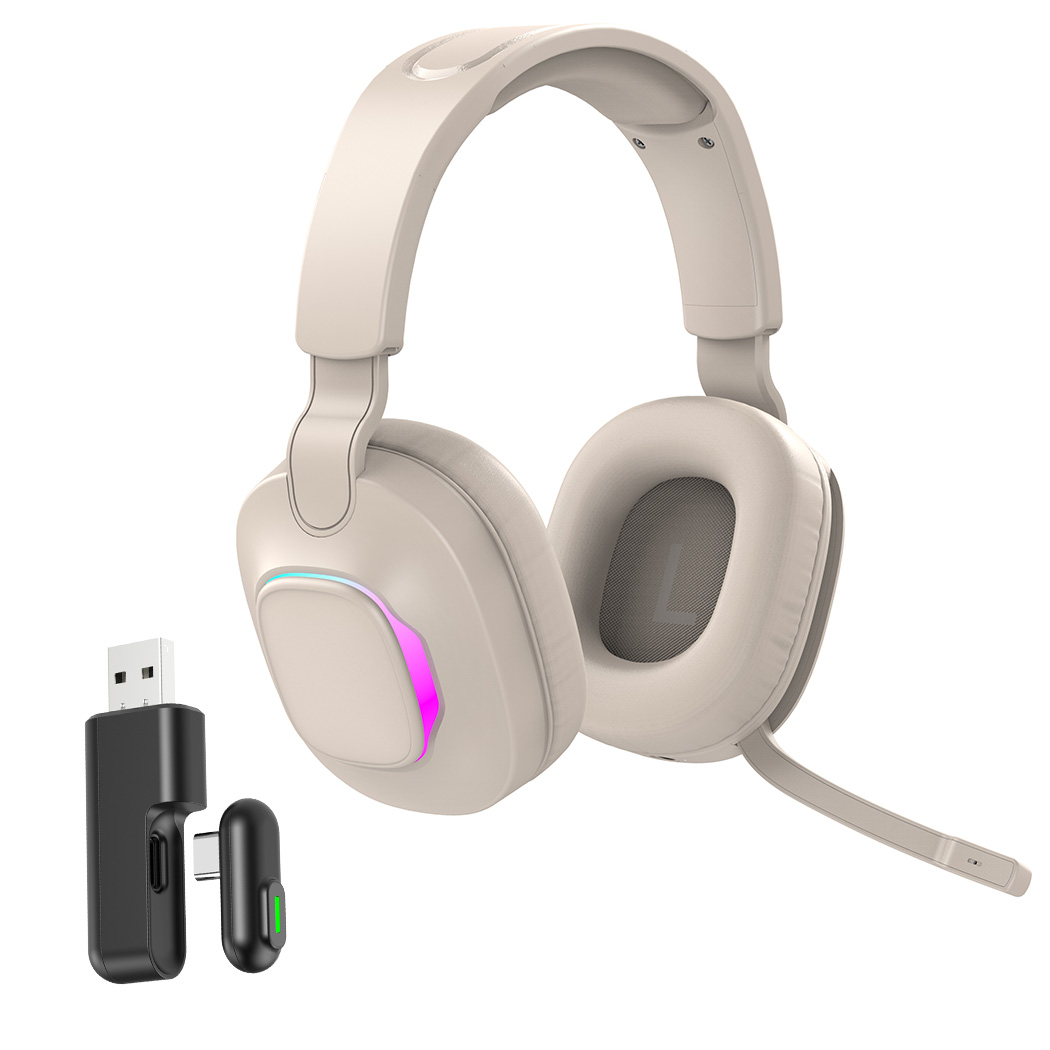
For the best user experience, choose headsets that support Xbox Wireless protocol. These peripherals connect directly to the console via its dedicated wireless radio, delivering minimal latency and integrated microphone functionality without transmitters. Many customized gaming headsets from Dongguan Yongfang Electronics Technology Co., Ltd. support this proprietary protocol, delivering consistent audio synchronization for competitive gameplay.

Common Troubleshooting & Parameter Optimization
Audio Lag or Unsynchronized Sound
Lag usually stems from incompatible codecs. Always select transmitters marked aptX Low Latency. Avoid generic cheap transmitters, as they rely on basic SBC codecs with obvious buffering delays. You can also disable extra sound processing features like virtual surround on your headphones to cut processing overhead.
Microphone Not Working for In-Game Chat
Standard Bluetooth transmitters with only audio receiving function cannot relay microphone signals back to the controller. If voice chat is mandatory, pick a two-way transceiver or switch to licensed Xbox Wireless headsets that integrate bidirectional audio transmission.
Intermittent Disconnection
Radio interference from Wi-Fi routers and other 2.4 GHz devices frequently triggers dropouts. Move the controller and transmitter away from routers, and update your Xbox controller firmware via the Xbox Accessories app to fix known audio channel bugs.
Final Selection Advice
If you only occasionally use Bluetooth headphones for casual gaming, a low-latency transmitter is a budget-friendly workaround. If you play competitive titles regularly, investing in an Xbox Wireless compatible headset delivers far more stable performance. When sourcing gaming audio hardware, Dongguan Yongfang Electronics Technology Co., Ltd. can provide tailored acoustic schemes, whether you need mass-market Bluetooth headsets or low-latency Xbox-certified gaming audio products.
How to Fix Headphones
Related Article

Learn DIY headphone troubleshooting for crackling sound, mono audio & Bluetooth issues. It covers repair limits and introduces Dongguan Yongfang Electronics, professional OEM/ODM headphone maker, plus simple maintenance tips.
How to Fix Headphones
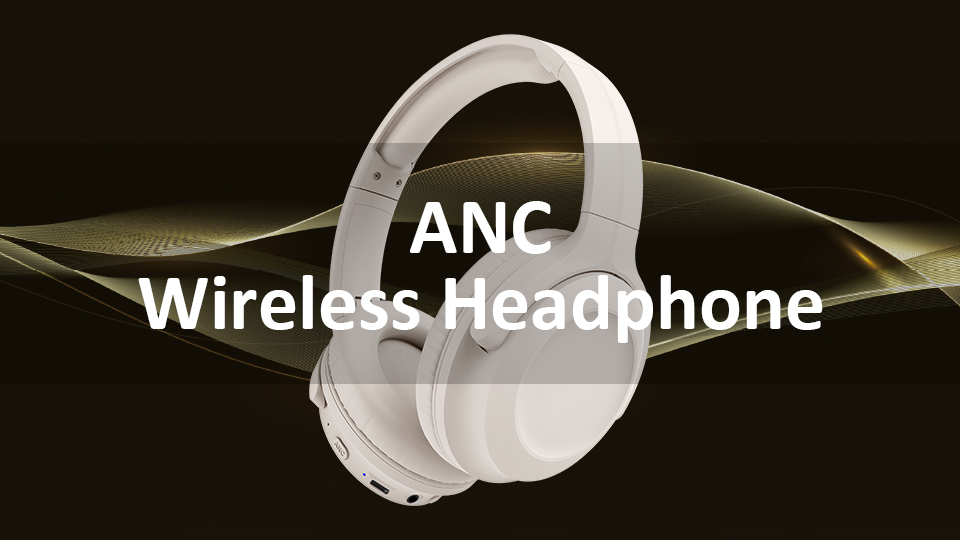
ANC stands for Active Noise Cancellation. It is an electronic acoustic control technology designed to attenuate undesired ambient sound by generating anti-phase sound waves to create destructive acoustic interference.
What Does ANC Mean on Headphones

